
Prior to the spring of 2023, I was familiar with 3D printing and had even participated in projects which utilized 3D printed models, but had never been the one actually slicing a model or running a print. Experimenting with different printers and printing materials was a fun experience through which I also learned a lot! My two greatest takeaways were how versatile 3D printing is, and how important it is to choose the right printer for the job.
How it works
additive manufacturing
3D printing works by laying down hundreds (or even thousands!) of layers of material in specific patterns, as directed by a type of program called a slicing software. Also known as slicers, these programs do exactly what the name implies- they slice a model into the layers that the printer will print.
This type of modeling is called additive manufacturing. It’s the opposite of traditional manufacturing methods, which work by removing material from a larger whole instead. Additive manufacturing is great for lots of reasons: it creates less waste, it’s easier to do unique parts, and it’s more accessible to small companies and hobbyists.
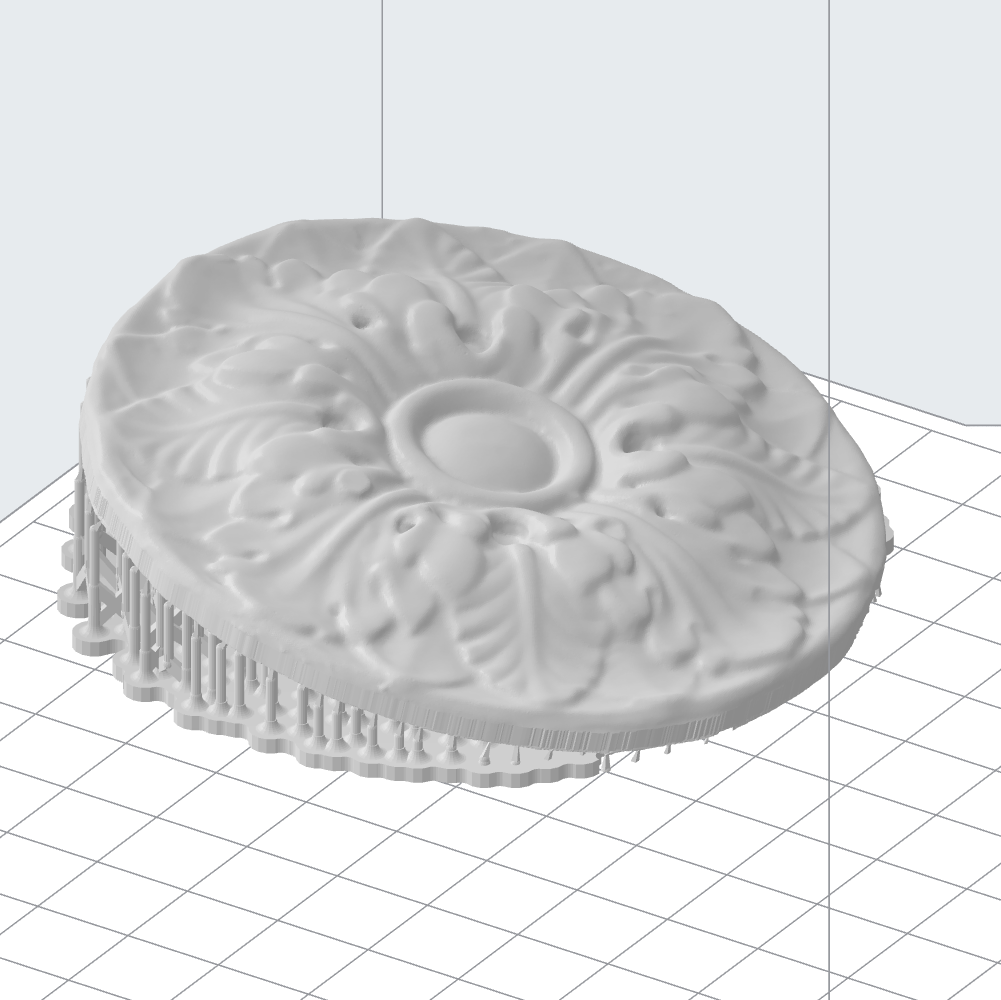
PreForm is a slicing software specifically for FormLabs printers, which print using resin
Versatility
A lot of people, when they think of 3D printing, think of plastic models. This is because the most common printing material is PLA, or polylactic acid, which is a type of plastic. It’s derived from renewable, plant-based sources like corn starch and sugar cane. It’s even biodegradable! However, PLA is far from the only material it’s possible to 3D print with.
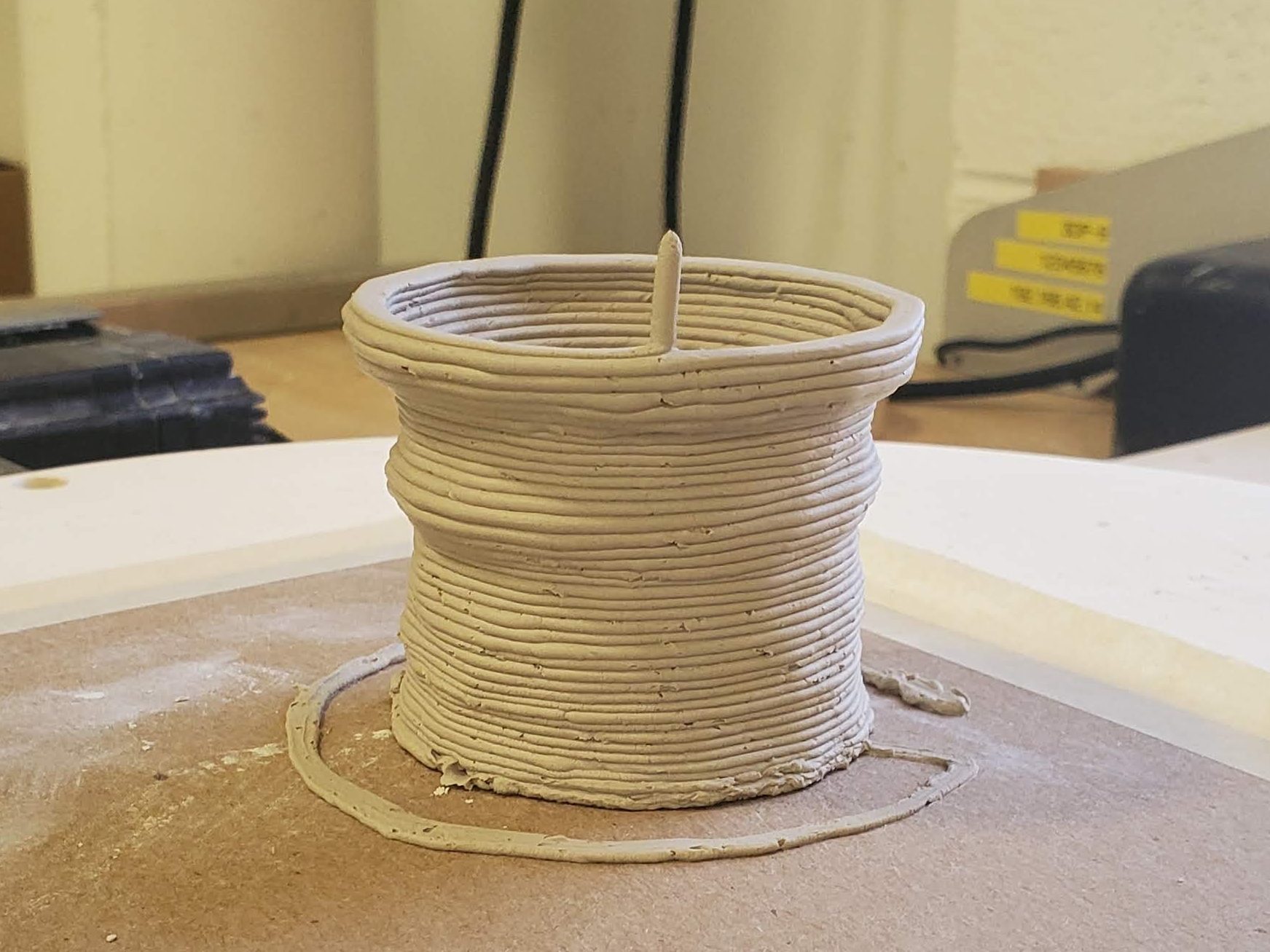
My first attempt at 3D printing used a material I had definitely never considered before- I got to use the PotterBot in UVA’s FabLab and print with clay. It was different from printing with plastic in a lot of ways. The first difference was in the file setup. Unlike the other types of 3D printing I tried, the clay printer required that the model file not be a solid.
The clay printer also didn’t move the print bed. Unlike many other printers, where the nozzle remains at a consistent height while the printing surface slowly moves downwards, the PotterBot moves the extruder vertically while the print surface remains stationary.
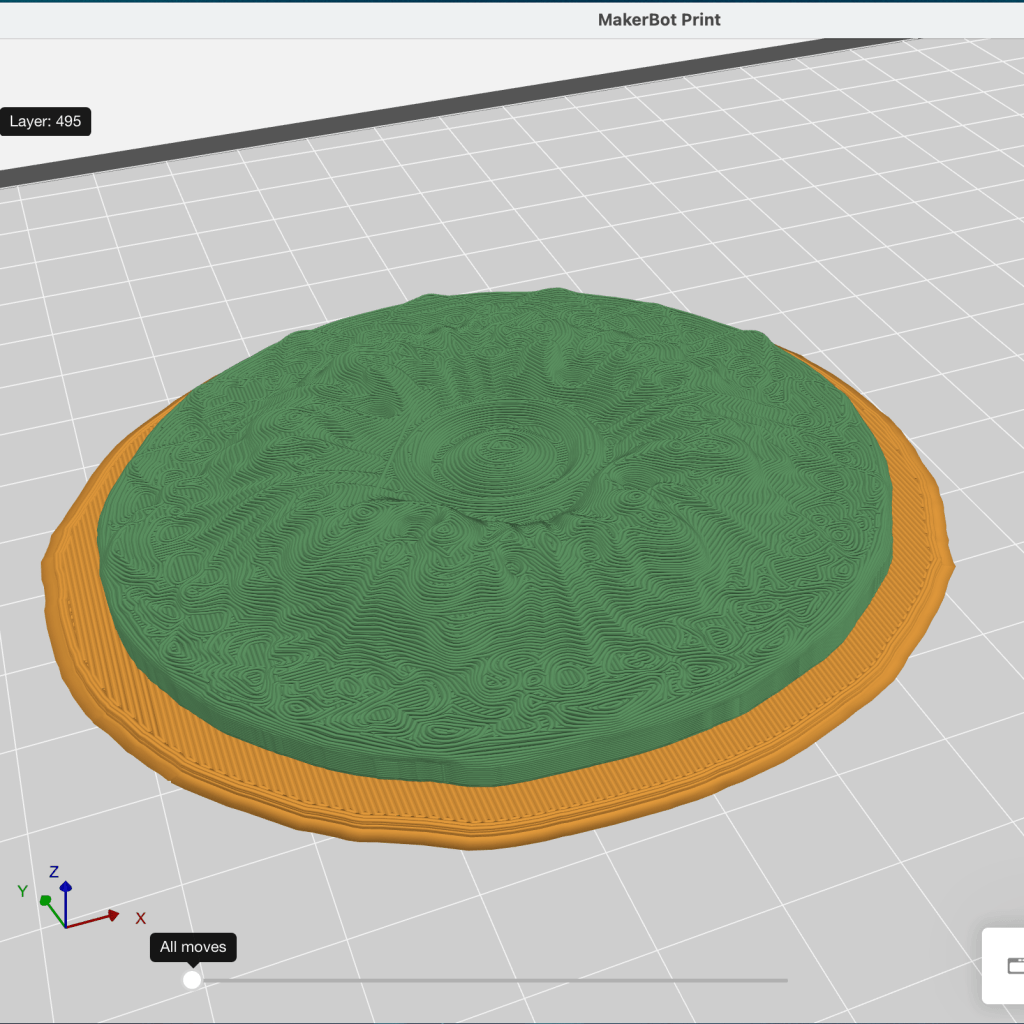
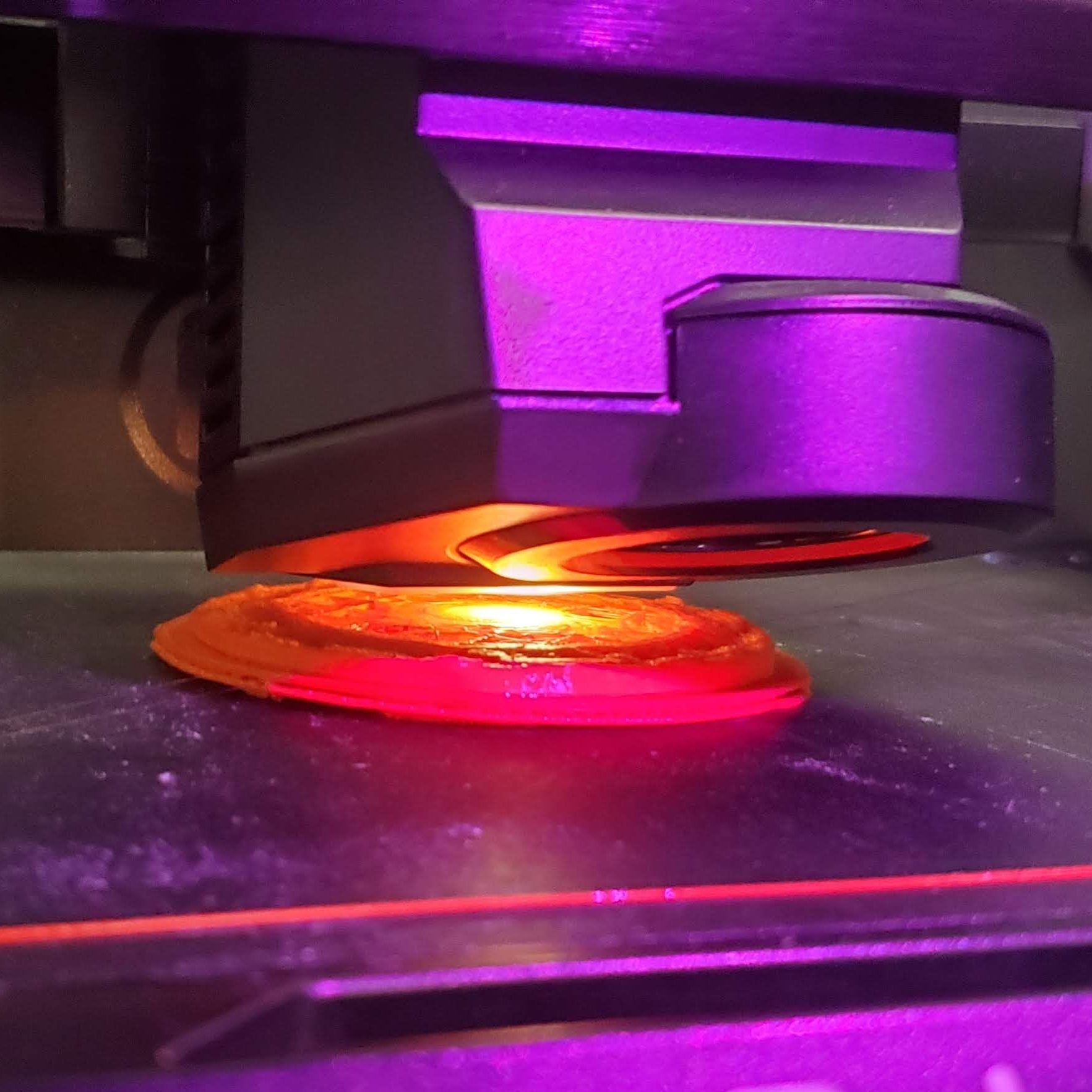
After the PotterBot, I learned to use more typical 3D printers and printed using plastic and resin. For the PLA printer, it was important to put the largest flat surface on the printing bed, so that the resulting object would be as stable as possible. This also reduces the need for supports, which saves both material and time. However, not all materials work well this way. Resin printers, for instance, work better at an angle, which reduces the size of each print layer and also minimizes the likelihood of suction cups forming. Resin printers print upside down, by pressing the print bed against a screen where each layer is formed using a laser. Then, the print is lifted high enough to remove it from the screen. Suction cups greatly increase the likelihood that the print will disconnect from the print bed at this point, so it’s important to avoid them.
<- A resin print (top) has to be set up differently in the slicer program than a typical PLA print (bottom)

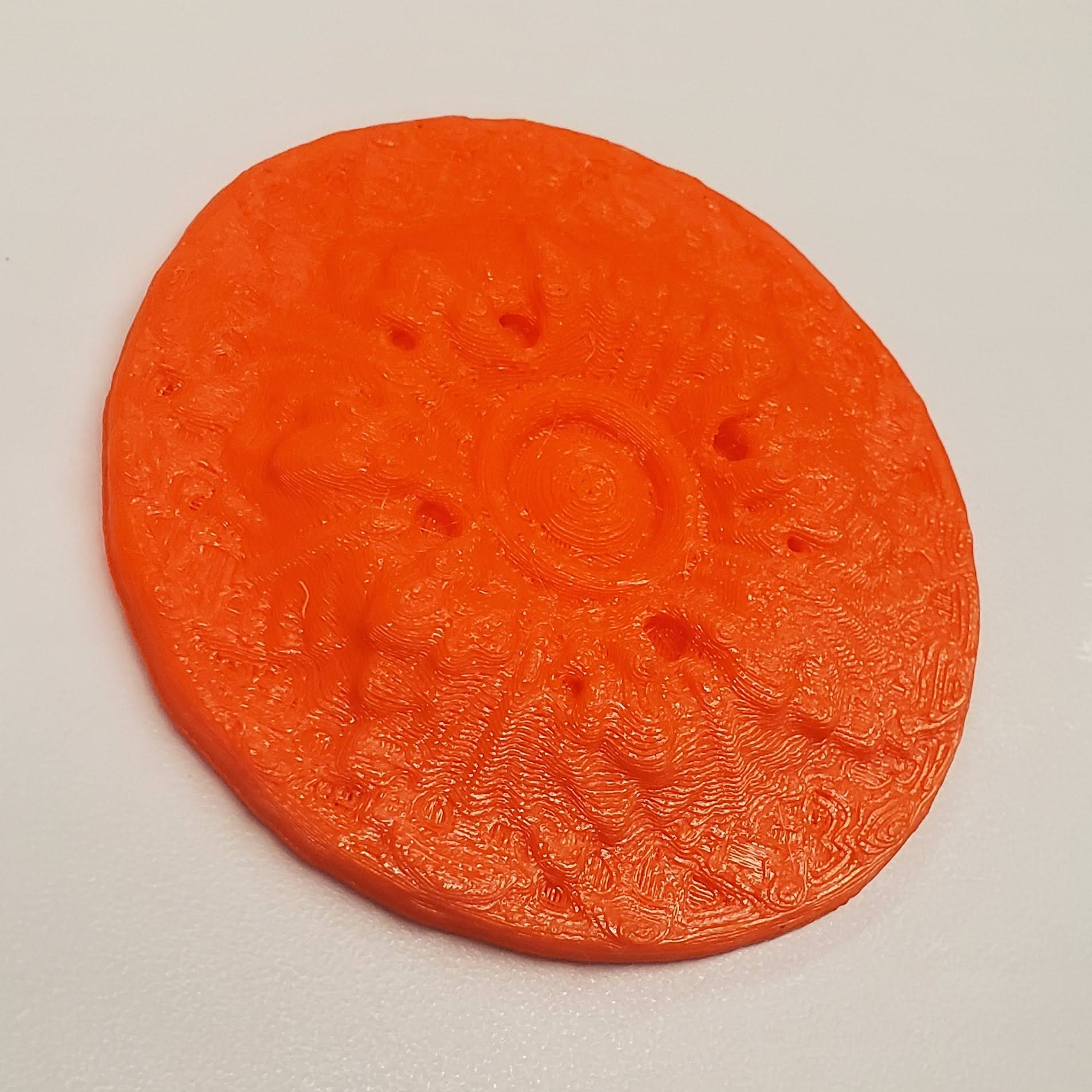
The resin printers (left) print at a much higher resolution than the PLA printer (right)
flower pots
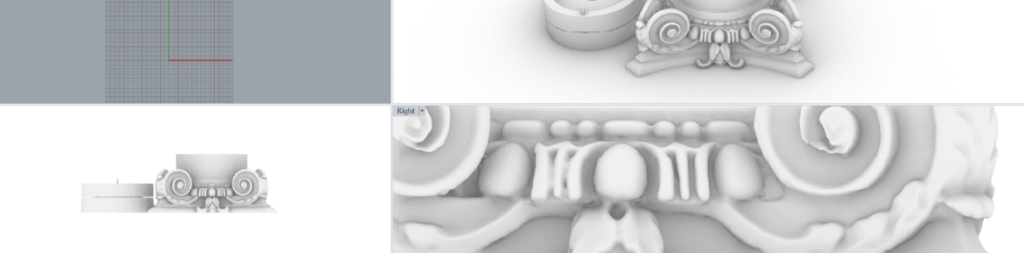
The last printing project I worked on this semester was the creation of a column-capital flower pot, using a scanned capital from UVA’s Pavilion IX. The challenge of this project was two-fold. First, I wanted a flower pot with two bottoms, to facilitate drainage. Second, the column capital I chose had a lot of overhang, which required being printed upside down. Therefore, in the end I had to separate the pot into two pieces.
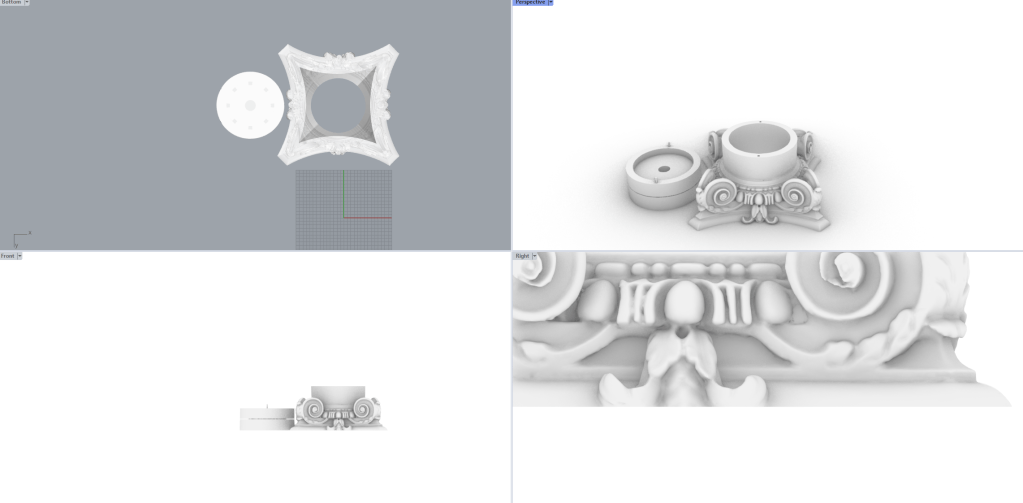
The final model in Rhino before slicing and printing
 MaryCate Azelborn
Leave a comment